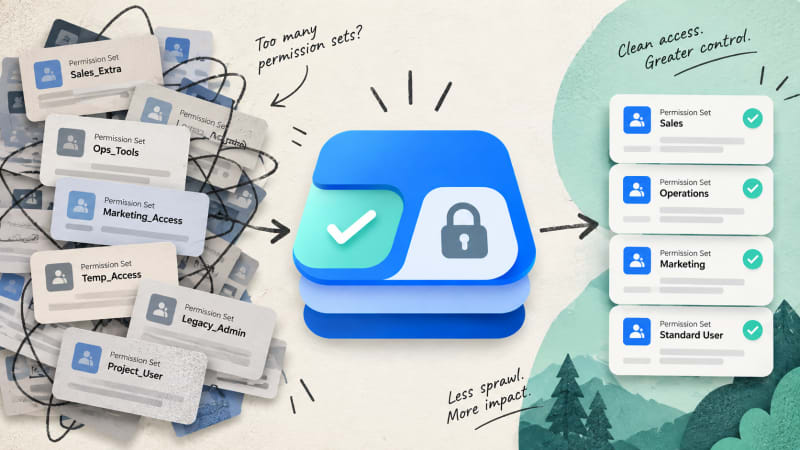
Two prior cleanup attempts had stalled. The difference this time was the cost of checking each user's real dependency.
Illustrative example. Kestrel Analytics is a composite organisation built from patterns we see repeatedly in permission set cleanup projects. It is not a named customer, and the figures shown are representative of the category rather than measured at one client.
At a glance
| Organisation | Kestrel Analytics, B2B SaaS |
| Salesforce | Sales Cloud + Service Cloud, 210 users |
| Trigger | New RevOps lead, unclear permission model inherited from prior admins |
| Starting state | 63 permission sets, 11 permission set groups, no documentation of purpose |
| Solution | Who Sees What used to check actual dependency before removing anything |
| Result | 63 permission sets consolidated to 22, zero access incidents during rollout |
| Time to complete | 3 weeks, part-time alongside other RevOps work |
| Recurring cost | $0 |
Executive summary: A new RevOps lead at Kestrel Analytics inherited a Salesforce org with 63 permission sets accumulated over five years and three prior admins, many with unclear or overlapping purposes and no documentation. A permission-set-by-permission-set consolidation project, checking actual current dependency for every affected user before removing anything, reduced the count to 22 with zero access-related incidents during rollout. The project took three weeks of part-time effort; the team's estimate of the equivalent manual investigation was in excess of two months at the same pace, which is why two prior attempts had been abandoned partway through.
1. The starting state
The incoming RevOps lead's first structural review of the org's permission model found 63 individual permission sets and 11 permission set groups. Naming conventions had shifted across three previous admins' tenures, several permission sets had names referencing projects or reorganisations that had concluded years earlier, and no central documentation explained what most of them were currently for or who had originally requested them.
Two prior cleanup attempts, one under each of the two most recent former admins, had started and been abandoned before completion. In both cases, the stated reason was the same: confirming what each candidate permission set was actually still doing, for the specific users currently assigned to it, took long enough per permission set that the project lost priority against other work before finishing.
2. Why this could not be done by name or guesswork
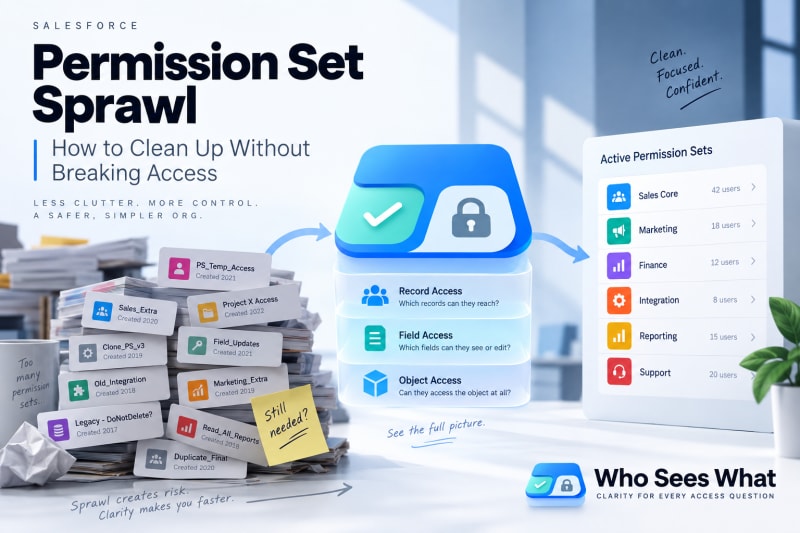
Sixty-three permission sets, three admins' worth of naming conventions, no documentation.
An early instinct, consistent with both prior abandoned attempts, was to identify permission sets with clearly outdated names and remove them directly. This was deliberately not the approach taken this time, for a specific reason surfaced early: a spot check on three permission sets with names referencing a reorganisation that had concluded over two years earlier found that all three still had active user assignments, and for one of the three, at least one currently assigned user's edit access to a commission-related field had no other source. The permission set's name was obsolete. Its function, for one specific user, was not.
This confirmed that any permission set, regardless of how outdated its name appeared, required checking actual current dependency before being touched. Why this is unsafe to skip is covered in more depth here.
3. The process
Step 1: full inventory
All 63 permission sets and 11 groups were listed with last-modified date and, where available, date of most recent new assignment.
Step 2: for each permission set, list currently assigned users
For each of the 63, the current list of assigned users was pulled directly, rather than assumed from the permission set's stated purpose or name.
Step 3: for each assigned user, confirm actual dependency
This was the step both prior attempts had stalled on. For every user assigned to a permission set under review, the question was: does removing this specific permission set change what this specific user can actually access, given everything else already assigned to them.
Using Who Sees What, this check for one user took under a minute: look up the user's effective access with the candidate permission set considered removed against their other current assignments, and compare to their effective access with it present. Where the two were identical, the permission set was contributing nothing for that user. Where they differed, the specific access it uniquely contributed was recorded against that user.
At an average of roughly six assigned users per permission set across the 63, this step covered approximately 380 individual user-permission-set dependency checks over the three-week project.
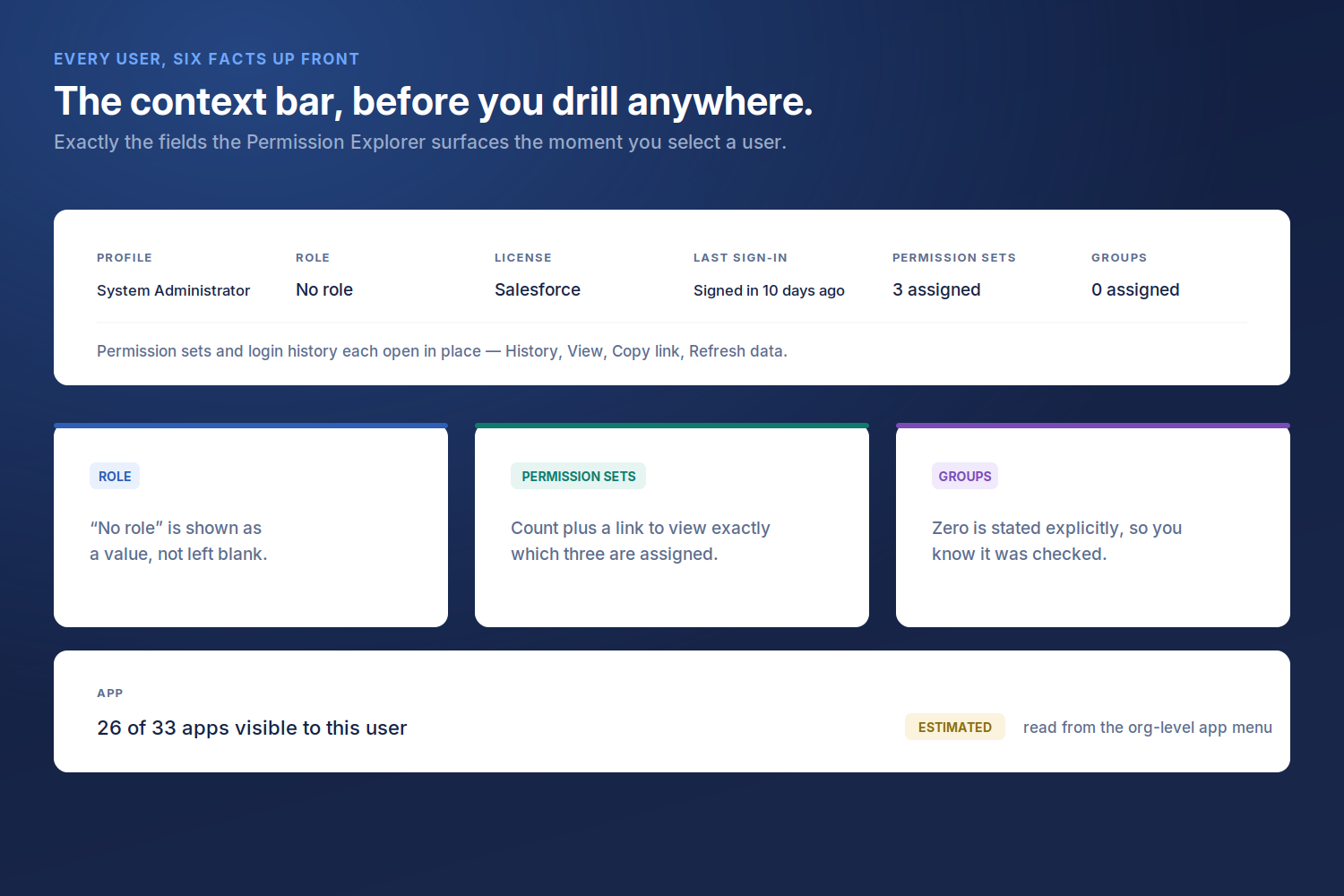
Seeing exactly which permission sets are assigned to a user, not just how many, is what made step 3 fast.
Step 4: categorise each permission set
| Category | Count |
|---|---|
| Fully redundant | 19 |
| Partially redundant | 24 |
| Genuinely load-bearing, kept as-is | 20 |
Step 5: consolidate the partially redundant group
The 24 partially redundant permission sets were the bulk of the actual work. For each, the users who genuinely depended on some unique access it granted were identified, and that specific access was consolidated into a smaller number of purpose-built permission sets, rather than either deleting the original outright or leaving it in place unchanged.
The 24 were consolidated into 2 new, clearly named and documented permission sets, with every dependent user reassigned before the originals were retired.
Step 6: remove in stages, verify after each
Removal was staged across three batches over the three weeks rather than done in one pass. After each batch, a sample of affected users, weighted toward anyone flagged in step 3 as having genuine dependency, was re-checked to confirm their effective access matched what was intended.
4. Results
| Measure | Before | After |
|---|---|---|
| Individual permission sets | 63 | 22 |
| Permission set groups | 11 | 7 |
| Permission sets with no documented purpose | ~40 estimated | 0, all documented |
| Access incidents during rollout | n/a | 0 |
| Project duration | Two prior attempts, both abandoned | 3 weeks, completed |
No user reported a loss of needed access during or after the project. Two minor issues were caught during the stage 2 verification step, both cases where a user's dependency had been slightly mis-scoped during consolidation, and both were corrected within the same day they were found, before affecting the user's actual work.
5. Analysis
The prior attempts did not fail from lack of effort. Both previous admins started with a defensible plan, similar in shape to the one that succeeded here. Both stalled at the same point: verifying actual per-user dependency at a pace that let the project compete with ongoing operational work.
Checking by name or by permission set description would have produced real incidents. The early spot check that found active dependency on an "obsolete" permission set was not an unusual case; the team's working assumption after that finding was that a meaningful fraction of the 63 would have shown the same pattern if checked by name alone.
Consolidation, not just deletion, was necessary for a real result. Simply deleting everything with zero current dependents would have only accounted for the 19 fully redundant permission sets. The larger reduction required doing the harder work of building proper replacements for the 24 partially redundant ones.
6. What we would do differently
Set a recurring review cadence from the start. Without a scheduled follow-up, the same sprawl pattern that produced 63 permission sets over five years will reproduce itself over the next five.
Document the purpose of every permission set at creation, not retroactively. A significant share of the three-week project's time went into reconstructing what a permission set was originally for, from indirect evidence, because no documentation existed at creation.
Who Sees What is built and maintained by TwinStack Solutions, a Salesforce partner. Questions: [email protected]
Check actual dependency before you delete anything.
Who Sees What shows exactly what a user would lose in seconds, so cleanup doesn't become the next incident. Free and read-only.
Get It Now, Free