 Live on AppExchange · Security reviewed · Free forever
No Zapier. No middleware. No Google Sheets in between. A native Salesforce managed package captures every form submission as a record the moment it is submitted, and the data never leaves your org.
Sales, HR, operations, marketing and support all reach for Google Forms because they take minutes to make. Then the response lands in a spreadsheet, disconnected from the CRM where the business actually runs.
Someone downloads a CSV, cleans it, and uploads it to Salesforce. Slow, error-prone, and very easy to forget on a busy week.
Platforms that charge per task or per run, and add another vendor, another login, and another point of failure to your stack.
Internal development effort that takes time to build, and considerably more time to maintain once whoever wrote it moves on.
Every hour a response sits outside Salesforce is an hour a rep is not following up, a hiring manager is not reviewing an application, or an organiser cannot see a new registration.
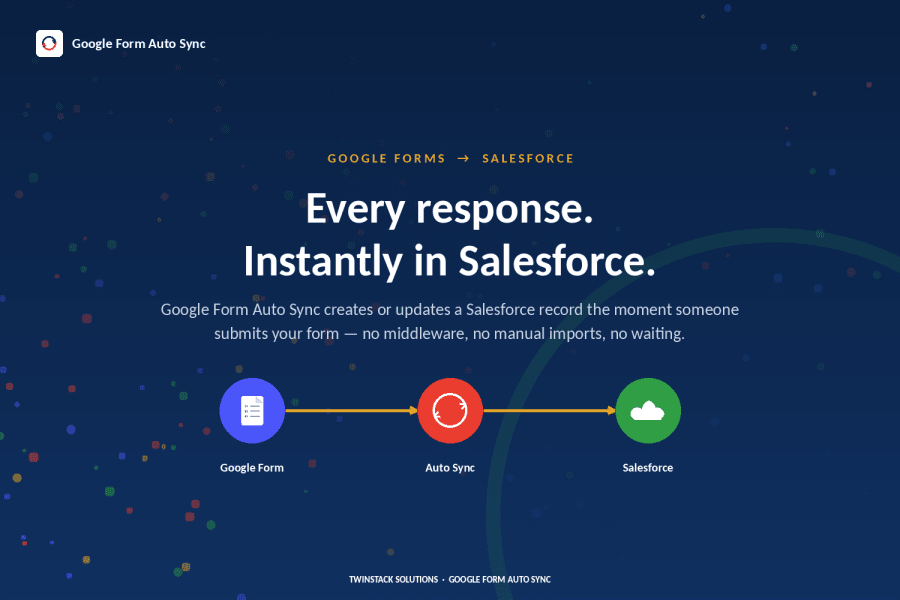
A lightweight Google Apps Script that lives inside your form, paired with a REST endpoint inside your Salesforce org. A submission goes in one side, a structured record comes out the other.
Apps Script fires the instant someone hits submit. Included in the package, pasted in once per form.
Creates a Form_Response__c record with the form name, ID, timestamp and full response.
It solves the capture problem, deliberately, rather than trying to replace your data model. Every submission is visible, searchable and reportable in Salesforce, ready to route with Flow, list views and reports you already know.
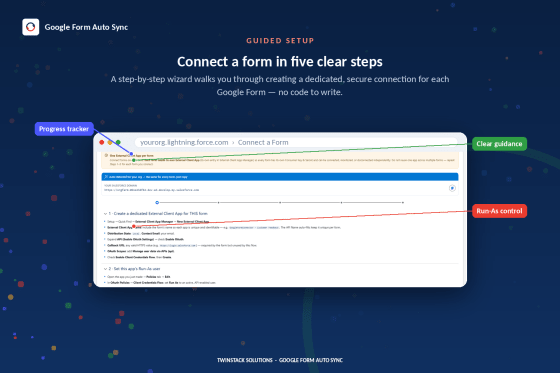
The guided wizard walks an admin through it end to end, with copy-ready code and credentials at each stage.
The managed package installs from AppExchange in a few clicks and sets up the object, permission sets, and a guided setup tab.
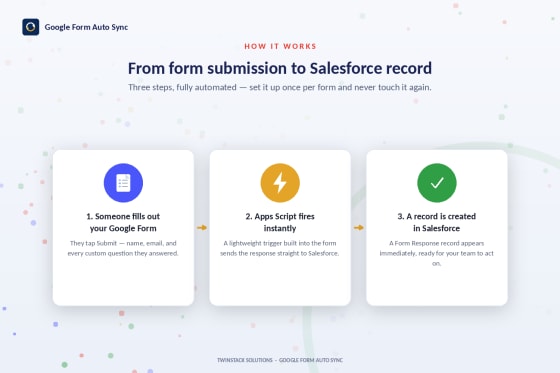
Paste the included Apps Script into your form's script editor. The 5-step wizard walks you through it and generates what the script needs.

OAuth 2.0 Client Credentials Flow against a Salesforce External Client App. No passwords stored, access scoped to one Run-As user.
Someone submits the form, the script fires automatically, packages the response, and sends it to a purpose-built Salesforce REST endpoint.
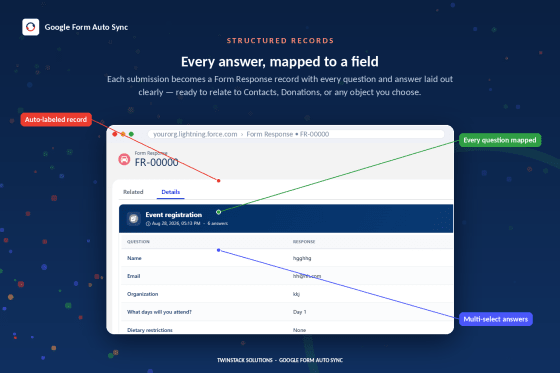
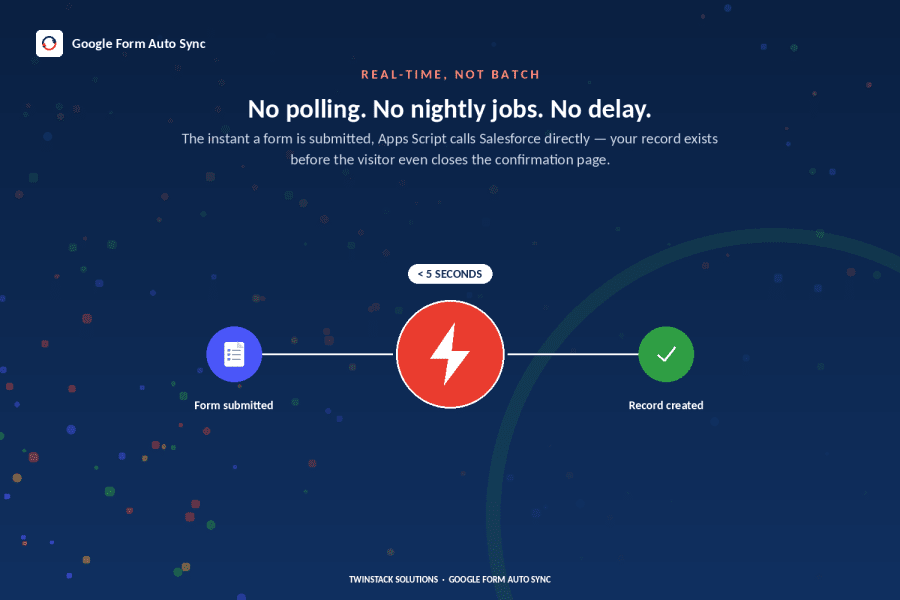
Salesforce enforces field-level security through an insert-as-user operation and creates the record, typically within seconds of submission.
It appears on the built-in dashboard and on the record itself, where the viewer parses the submission into readable question-and-answer pairs.

Everything below ships with the free managed package. There is no paid tier holding anything back.
Responses appear within moments of submission. No batch delays, no waiting on a nightly job.
Built entirely with Apex and Lightning Web Components. No external platform, no data through a third party.
OAuth 2.0 Client Credentials, a dedicated Run-As user, and field-level security enforced on every insert.
Five in-app steps with copy-ready code and credentials. Most admins are live in under 15 minutes per form.
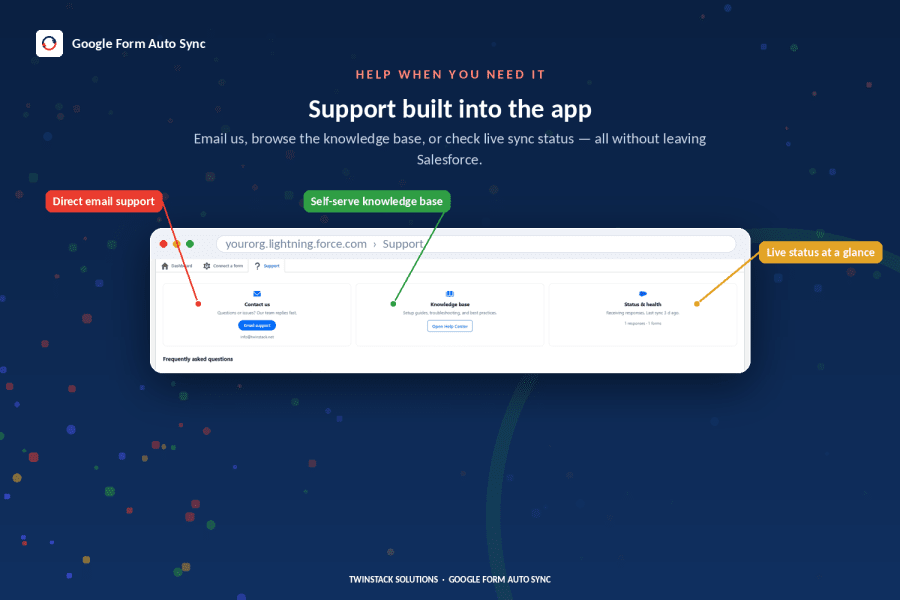
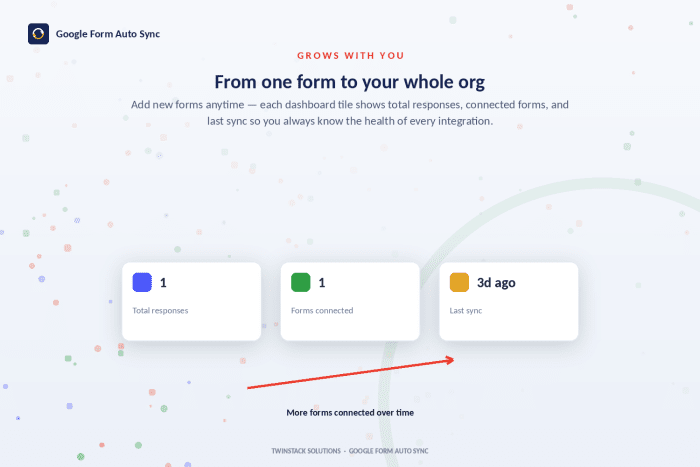
Total responses, how many forms are connected, and the time of the last sync, all at a glance.
Each submission is parsed into a clean list of questions and answers instead of raw JSON.
A custom permission and matching permission sets separate who configures forms from who only views responses.
No license cost, no per-response fee, no usage cap, and no tiered plan waiting to be upsold.
Rather than checking a separate integration console, sync activity lives inside Salesforce with everything else your team already looks at.
The viewer parses each captured submission automatically, so anyone opening the record can read it without knowing anything about the payload underneath.

The five-step wizard hands you the script and the credentials in the order you need them, so a first-time setup does not require reading integration documentation.
Every middleware tool in this category has to route your form responses through a server it controls. This one does not, because there is no server in the middle.
The Apps Script in your form calls a REST endpoint in your org. Google to Salesforce, with nothing in between.
Authentication runs against a Salesforce External Client App. No password is ever stored in the script.
Requests execute as one dedicated user with a dedicated permission set, not as a broad admin.
Every record is created with an insert-as-user operation, so your FLS rules apply to the write.
The value is not the sync itself. It is the work your team stops doing and the delay that disappears.
Sales, recruiting and support see new submissions the moment they arrive, rather than hours or days later.
The copy-paste and CSV-import work disappears, along with the transcription errors that come with it.
Free to install and run, with none of the per-task or per-response pricing integration platforms typically charge.
With no middleware between Google and Salesforce, there is one less vendor holding access to your data.
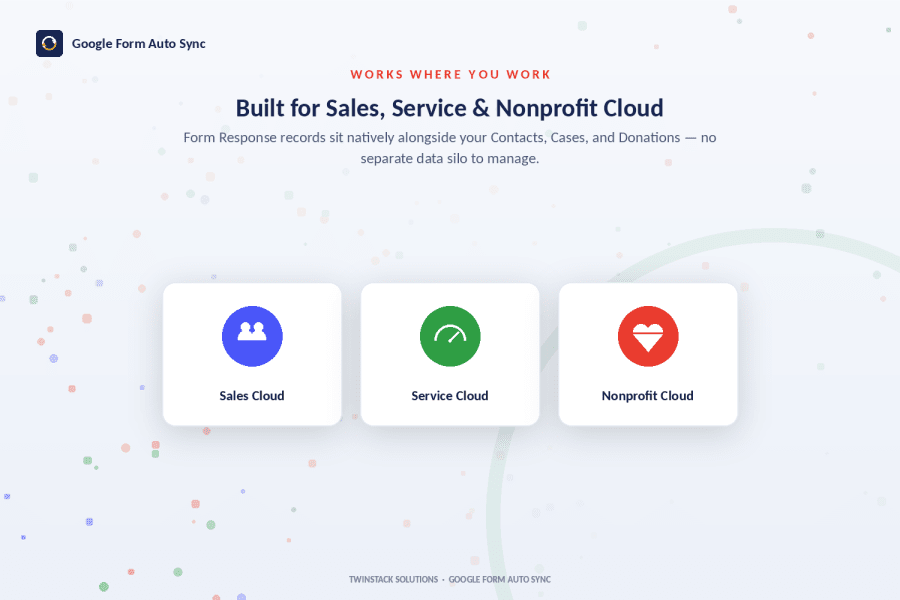
Responses land as standard records, so your existing flows, reports and list views work on them immediately.
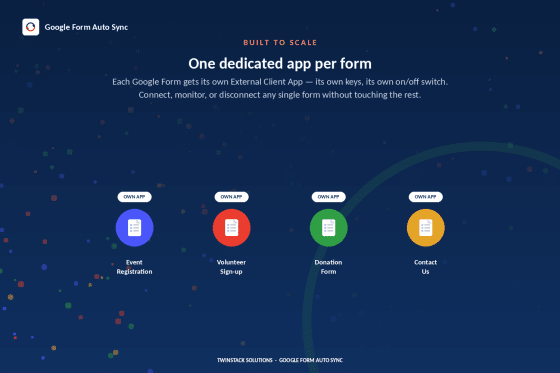
Connect as many forms as you need. The dashboard tracks all of them from a single place.
| Zapier / Pabbly | Sheets-based tools | Google Form Auto Sync | |
|---|---|---|---|
| Cost | Paid, per task | Paid, row limits | Free forever |
| Middleware needed | Yes | Yes | None |
| Google Sheets in the path | No | Yes | No |
| Runs inside Salesforce | No | No | Yes |
| Data leaves your org | Yes | Yes | No |
| Submission limits | Task caps | Row caps | None |
| Real time | Yes | Scheduled | Yes |
Comparison reflects publicly documented behaviour at time of writing. Verify before publishing.
Capture inbound leads from landing-page forms the instant they are submitted, so reps follow up while interest is highest.
Route job applications straight into Salesforce for visibility and tracking, without exporting from Google Sheets.
Sync registrations in real time so organisers always have an accurate, current headcount.
Turn intake or feedback forms into trackable Salesforce records automatically, the moment they come in.
Capture internal requests such as IT tickets, purchase requests or approvals as structured, reportable records.
Any team already using Google Forms that wants that data in Salesforce without adding a paid integration tool.
To eliminate the manual work of getting Google Form responses into Salesforce. It gives teams already using Google Forms a way to capture every submission in their CRM automatically, in real time, without exports, imports, or a paid integration platform.
A small Google Apps Script, included in the package and set up through a guided wizard, runs inside your Google Form. When someone submits, the script securely sends the response to a Salesforce REST endpoint, which creates a record the moment it arrives, typically within seconds.
A dedicated Form_Response__c object to store every submission, a dashboard showing sync activity across all connected forms, a built-in viewer that displays each response as readable question-and-answer pairs, a guided setup wizard, and permission sets for controlling admin versus viewer access.
No, by design. It captures the full response as a structured record on a dedicated object rather than writing directly into Leads or Contacts. That keeps the integration simple, predictable and safe to install without risking your existing lead or contact processes. From there, standard Salesforce automation such as Flow or an assignment rule can route the data anywhere it is needed.
Nothing. It is a free managed package with no license fee, no per-response charge, and no tiered pricing.
Authentication uses the OAuth 2.0 Client Credentials Flow against a Salesforce External Client App, requests run under a single dedicated Run-As user, and every record insert enforces field-level security through Salesforce's insert-as-user model.
No. The in-app 5-step wizard is built for Salesforce admins and includes copy-ready code and credential steps. Most setups take well under 30 minutes per form.
Because it solves an everyday problem, getting Google Form data into Salesforce, for free, without adding another vendor or another manual task. Teams get real-time visibility into new submissions and save the hours otherwise spent on exports and data entry, with no added cost or security risk.

Install Google Form Auto Sync from the Salesforce AppExchange and have your first form connected today.
Get it on AppExchangeFree managed package · No credit card · Published by TwinStack Solutions
Native apps built around the same idea: less manual work between your data and your Salesforce org.

Import smarter. Map faster.

Why can this user see that?
New posts most weeks: setup guides, integration patterns, and what we learn from the Salesforce community.
Where the time actually goes, and what is worth automating first.
The design tradeoff behind Form_Response__c, and how to route from there.

What a Run-As user does, and why it beats storing a password in a script.