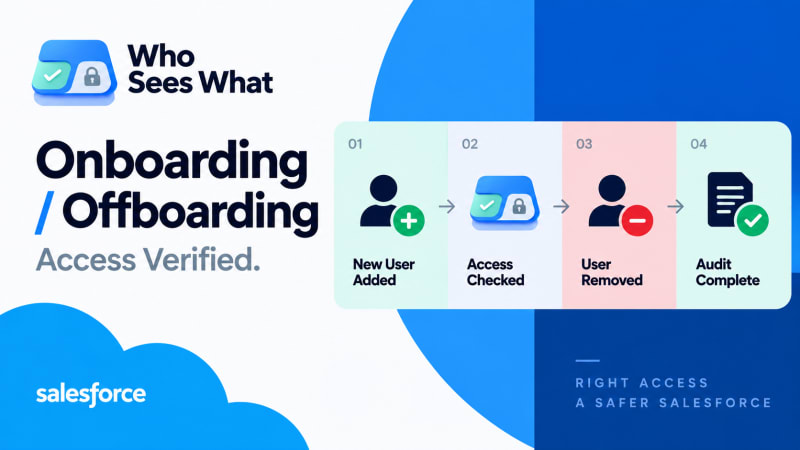
Configuring access and verifying it are two different steps. Most processes only do the first.
Short answer: Assigning permission sets to a new hire, or removing a leaver from theirs, is the configuration step. Confirming access actually changed means checking full effective access afterward, because permission set groups, inherited role access, and manual shares can all leave a gap between what you configured and what the person can actually do.
Why are configuring and verifying different?
Both onboarding and offboarding actions are configuration. Neither confirms the outcome. A permission set assignment can fail silently. A permission set group can mute a permission that was assumed to carry through unchanged. A manual share is not touched by removing profile or permission set access, and survives both misconfiguration and removal completely untouched.
Each of those gaps produces the same symptom either way: the configuration step ran without error, and the actual access is still wrong.

Configuration ran without error. Whether it produced the right access is a separate check.
What should you verify on onboarding?
Object and field access matches the role definition. Check what the new hire can actually reach, not what the permission sets are named or supposed to grant. A permission set's name is a description of intent, not a guarantee of effect.
No unintended inheritance from role hierarchy. If the new hire sits above others in the hierarchy, they may inherit visibility that was not intended for their position, simply as a side effect of where they were placed in the org chart.
Record-level access is neither too narrow nor too broad. Too narrow is visible immediately, because something breaks and someone complains. Too broad is quiet and goes unnoticed because nothing breaks, which is exactly why it needs to be checked deliberately rather than left to surface on its own.
What should you verify on offboarding, and why does it matter more?
This is the higher-stakes direction, because the failure mode is a departed employee retaining access, and that tends to go unnoticed for far longer than a new hire missing access they need.
Deactivation does not remove manual shares. A manual share persists as metadata regardless of whether the user is active, so deactivating the account does not clear it.
Permission set group membership can survive individual permission set removal. If a leaver was removed from named permission sets but remained in a group granting the same access, the removal did not fully take effect, and nothing in the interface flags that the two are inconsistent.
Role hierarchy access does not disappear until the role assignment itself changes. Removing a profile or permission set does not touch hierarchy position, so record visibility inherited through the hierarchy can remain even after every other access appears removed.
What does the verification step actually look like?
For a new hire or a leaver, verification is the same operation as any other access question: resolve full effective access, across all three layers, from every source that can grant it, and compare it to what should be true. Under a manual process this costs thirty-plus minutes, which is why departures, often happening on short notice, get the check skipped most often, at exactly the point where the downside of skipping it is highest. The three layers involved are explained in more depth here.
How do you make verification routine rather than exceptional?
Who Sees What resolves a user's full effective access in seconds, which changes offboarding verification from a check that is often skipped to the last step of the process, done every time, regardless of how much notice the departure gave.
A minimal checklist worth adopting regardless of tooling
- Confirm the user is deactivated
- Confirm no active permission set or permission set group assignments
- Confirm no manual shares remain on records they should no longer access
- For onboarding, confirm effective access matches the role definition before day one
Who Sees What is built and maintained by TwinStack Solutions, a Salesforce partner. Questions about setup: [email protected]
Make the last step of offboarding a real check, not an assumption.
Resolve a departing user's effective access in seconds, and confirm it actually went to zero. Free and read-only.
Get It Now, Free